
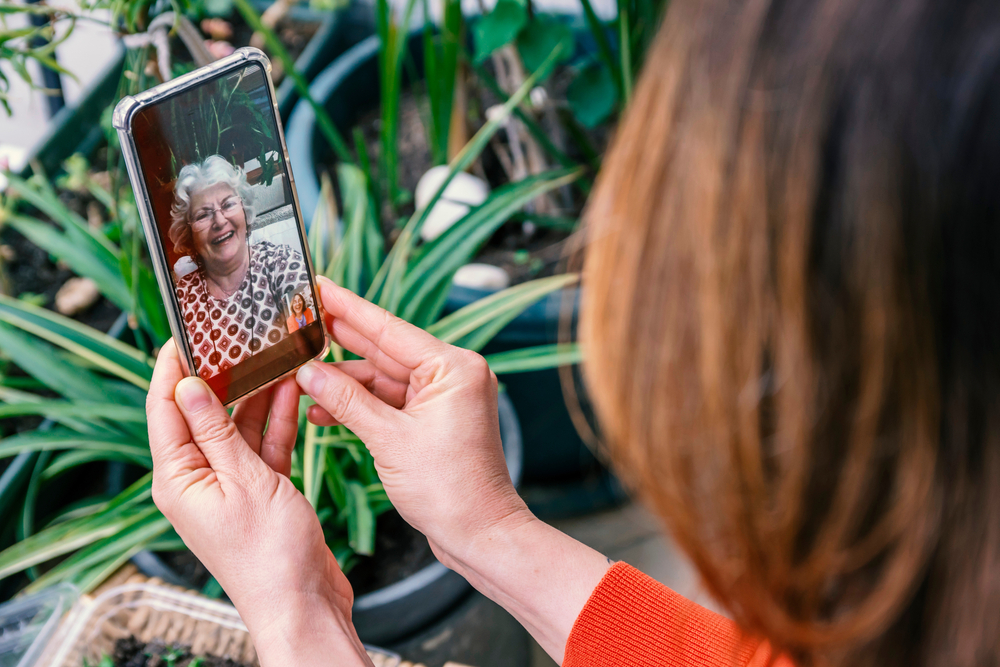
Thanks to smartphones, it is much easier for us to communicate with others and complete our daily tasks whenever we want, from wherever we want. But what if we’d told you we only use a fraction of what they can really do? There are so many accessibility settings that could make your life much easier, you just have to know how to use them.
Screen readers, voice-to-text dictation, and other interesting features in smartphones like iPhones and Androids can really improve the everyday lives of everyone. If you want to find out how to use your smartphone more effectively, we made a list of accessibility settings you need to know about:
iPhone:
- VoiceOver – This amazing feature uses artificial intelligence to provide audible descriptions of the stuff you have on your screen, from images to apps and who is calling you.
- Zoom – Zoom magnifies the content on the screen and has many other options to configure contrast, invert colors, and highlight focus.
- Magnifier – You forgot your glasses? No need to worry. This feature on your iPhone works like a magnifying glass to read the small print on any item you have trouble reading.
- Text Size – If you have eye problems, you can customize the text settings on your iPhone. You can make your text bigger by going to Settings > Accessibility > Display & Text Size, then turn on the Larger Accessibility Sizes settings and adjust the text to the size you wish for.
- Text Color and Readability – This feature is extremely useful for people who suffer from color blindness. You can increase the contrast between the text and the background, reduce the intensity of bright colors, and apply color filters.
- Subtitles and Captions – How would you feel if we’d tell you there’s a button for subtitles and closed captions for every video you want to watch on your iPhone?
- Headphone Accommodations – In case you have an increased hearing sensitivity, there’s an iPhone feature to adjust the volume of your phone after your needs.
- Switch Control – This feature helps iPhone users with limited mobility to perform basic actions, like texting and opening apps.
- People Detection – Did you know that your iPhone can scan the area around you, and recognize other people that are nearby? People Detection can be extremely useful for blind people or those with poor vision.
- Live Listen – To make things even better, iPhone made this feature for people that use hearing devices. All that is required is to connect the hearing device to the iPhone and place the phone closer to the people that are speaking to boost the volume of their voices.
- Dictation – This tool is highly used by many people already. Basically, all the text messages, emails, and other notes you want to write on your phone can be done by simply speaking to your phone.
- Sound Detection – Turning on the Sound Detection feature will help you listen to certain sounds, like the doorbell or an alarm.
Android:
- TalkBack – Just like iPhone’s VoiceControl, you can listen to the audible descriptions of the text and images on your Android. All you have to do is go to Settings > Accessibility > TalkBack.
- Action Blocks – This feature is especially useful for caregivers and people with cognitive disabilities. You can choose any common action from the list, such as Make Phone Call, and label it with an image, name, or even both.
- Display and Font Size – You can adjust the size of your display on your Android as well. All you have to do is go to Settings > Accessibility > Font Size and decide on the wanted dimensions.
- Magnification – With this feature, you can temporarily zoom your screen.
- Lookout – This one is extremely helpful for blind people because it gives them a sense of what’s happening in their surroundings.
- Voice Access – If you’re a technology lover like us, you’ll like this feature. You can provide spoken commands to your smartphone, and it will do as you say: opening apps, typing messages, and placing calls.
- Time to Take Action – Need something to remind you of what you need to do like taking medication? This tool can do it for you: you’ll receive temporary alerts, calendar notifications, and text messages for a longer duration.
- Voice Input – This voice-to-text feature allows people with physical and visual impairments to type text messages, emails, and other notes.
- Sound Amplifier – This app can connect to your headphones or hearing pods to boost and filter the sounds that are nearby.
- Live Transcribe – How about an app that translates real-time speech-to-text captions in more than 80 languages?
- Sound Notifications – Android phones have developed a tool that can notify you when it hears sounds like fire alarms or doorbells. It’s a real lifesaver!
- Switch Access – This particular feature is helpful for users with limited mobility and sensory issues.
- Morse Code Keyboard – Since 2018, Android phones have had the Morse code attached to Gboard keyboards.
If you enjoyed reading this article, we also recommend you: Top 10 Retirement Planning Apps You Need To Download Today









Leave a Reply